Project Type
UI / UX
Website Redesign
Wacom
This project involved redesigning the official Wacom website. The website was outdated and not relevant in today's time. The redesign involved modifying pages and determining a new user flow based on the MVP list. Please note, this was stage 1 of the project. A 4-week project where we, as a group of 6 redesigned Wacom’s website for a better UI, increasing engagement and for a better user accessibility.
Research
Methods
The research kicked off with analysing the existing website and other parameters. All methods used were:- - Website user flow - Stakeholder Mapping - Target Audience - User Persona - User Stories - User Feedback - SWOT Analysis - MOSCOW - User Journey - Moodboard
Breif
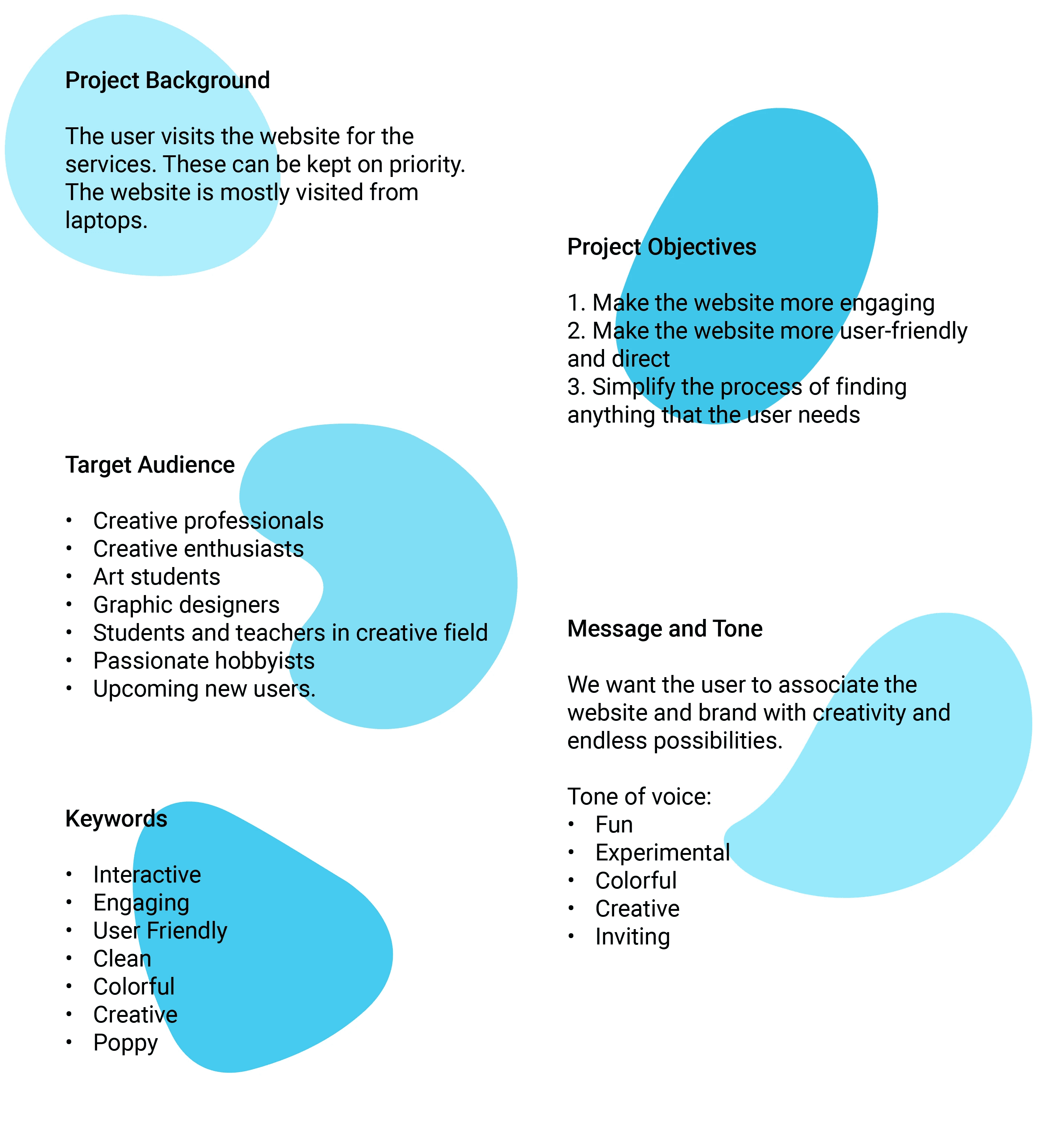
This project aims to make the user gain the experience of owning a Wacom before actually owning a Wacom. To make the user believe that the product is the correct product for their needs engagingly and interactively. To make the website more user-friendly and direct. The problem of the website is that it has very less engagement. 90% of the engagement on the website is from Wacom users wanting to download drivers or to claim guarantees. We want people who are in the process of looking for a tablet to engage with the website before purchasing the product. This will give them a sense of austerity in what they're investing in without any doubts. The website also has a lot of repeated elements. These elements are placed in several places throughout the website which can be confusing to the user. We want the user to be able to cruise through the website and find what they came in the search for with ease. The hierarchy of the website is also not so smooth. Services should be the priority of the website since that is what is getting most of the engagement. Instead of that their priority list is very random and not focused. Visually the website is very inconsistent. Design elements such as banners and icons should remain consistent but keep changing from page to page. A user may not notice these things because they come to the website with a specific purpose but if we are increasing engagement then these things will need to be considered.
Branding
Logo
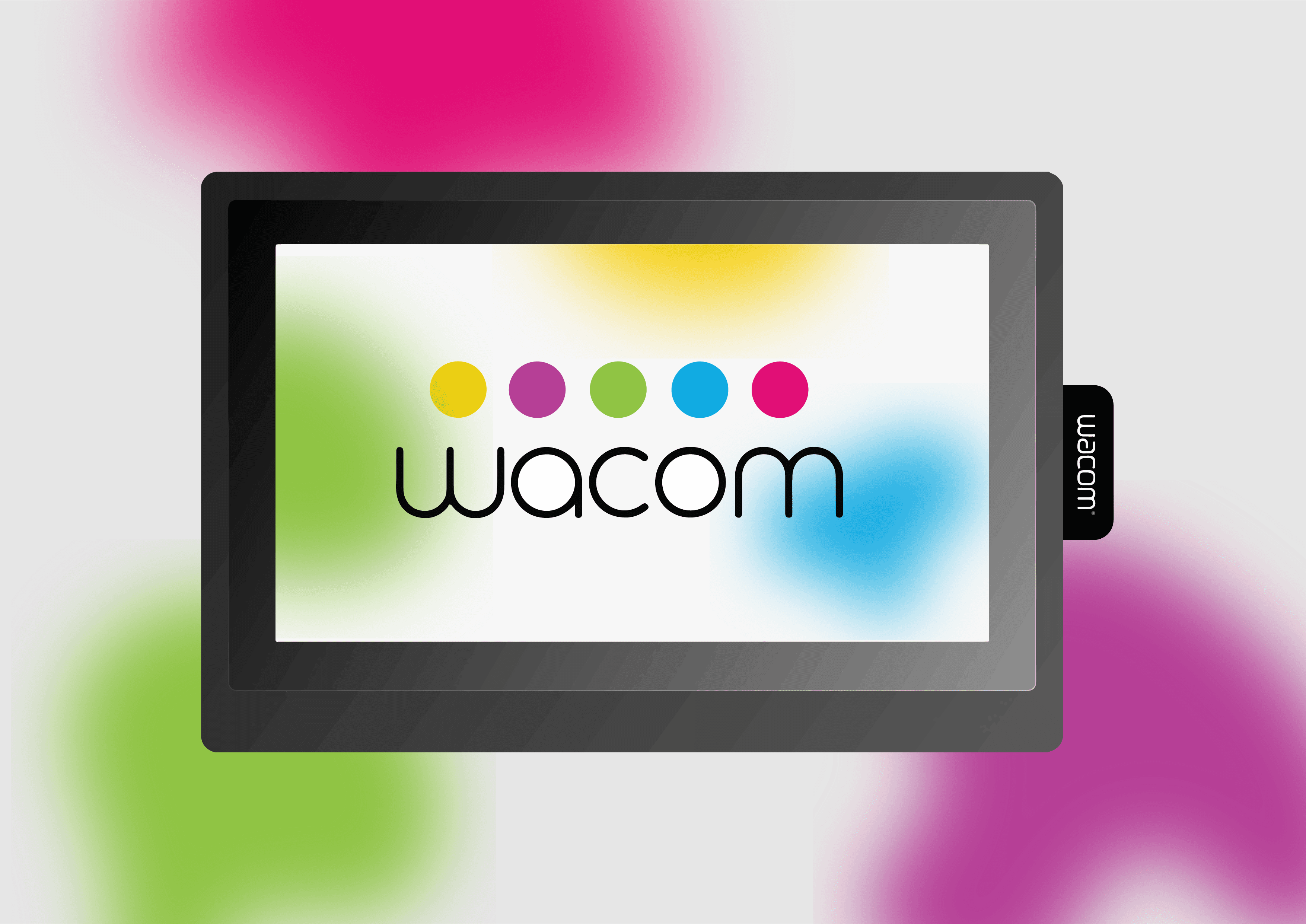
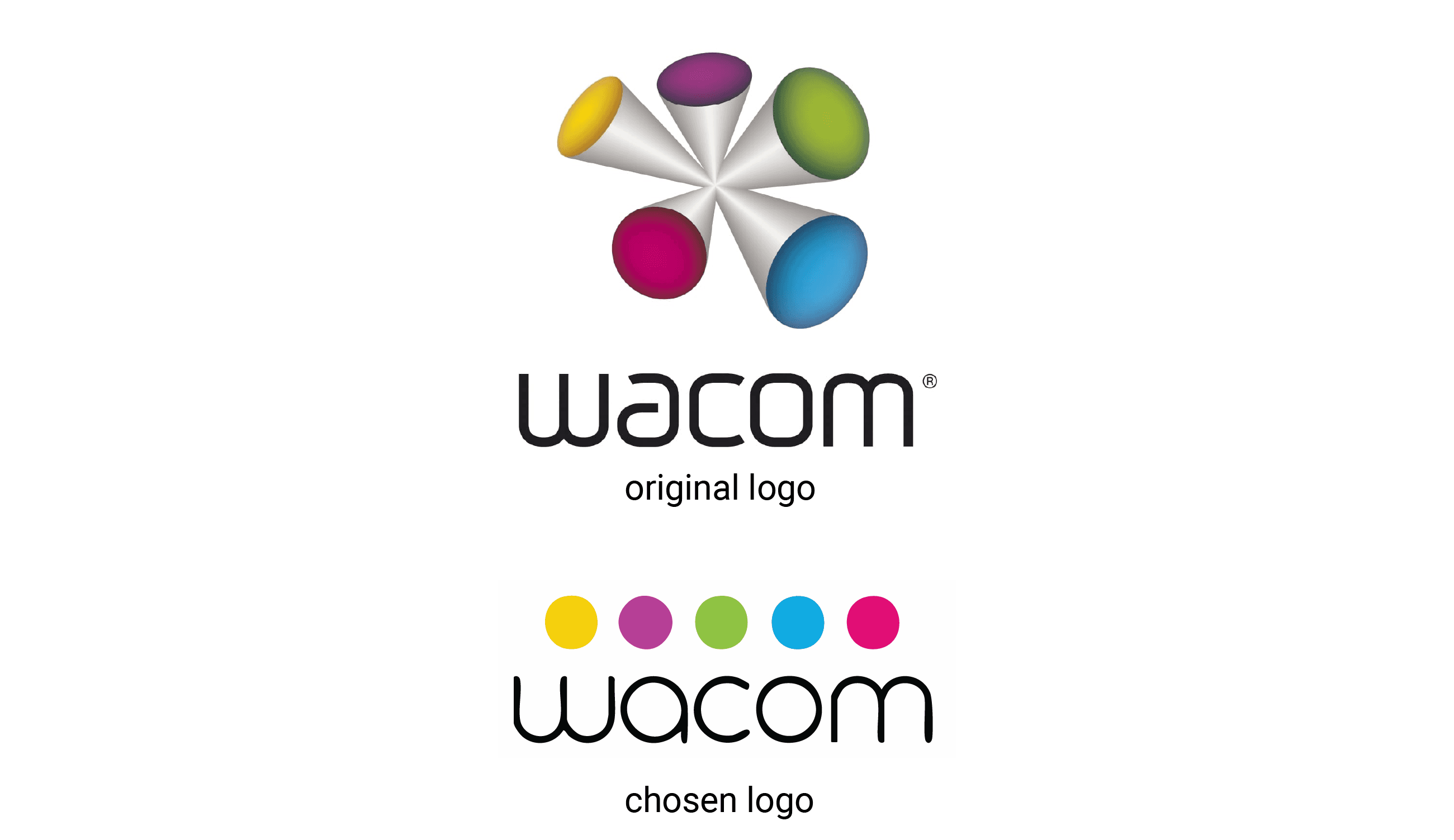
While designing the website we realized that the original logo did not match the visual language of the screens. After consultation with our mentors, it was decided that we would use an alternate logo which suited the aesthetic in a better way.
Color Palette
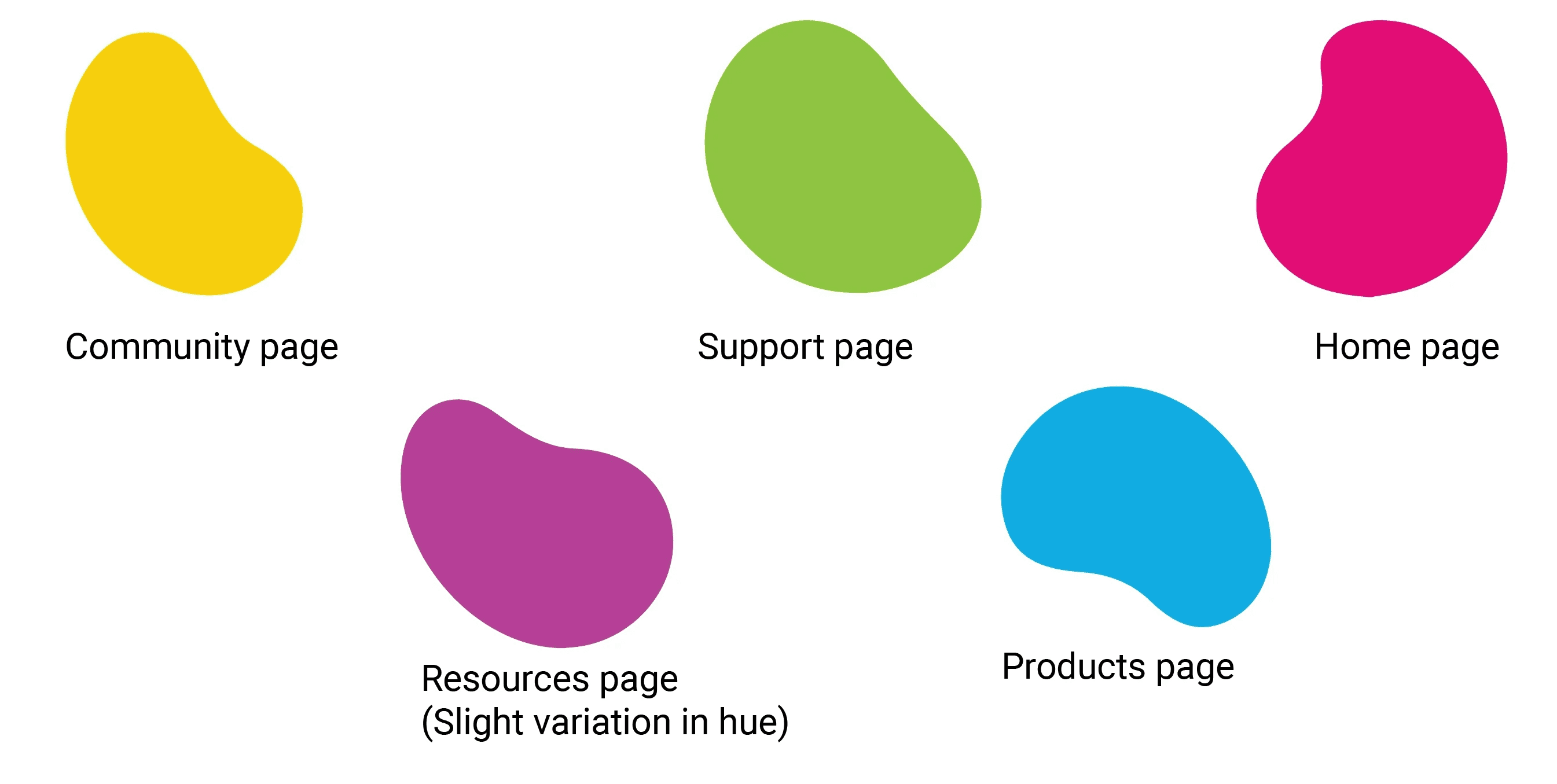
The website follows the color scheme of the logo. The 5 colors have been assigned to different pages considering color symbolism and psychology. Hues and shades of each colour have been used according to the need.
Typography
Features and MVP
The platform in which this website was made was figma. Figma offers limited animations which can be done without code. While we had a list of features and animations which we wanted to incorporate in the website, we did not have the time or platform to implement them. As a solution I compiled a file which contained all the features we wanted and from there moved on to make a prototype in which we tried to include as many as could be included. Link to file : https://drive.google.com/file/d/18xU6HtMfp9r2eB4zeW9GLJe7BHBtPIaS/view?usp=sharing Continuing from the features file, another file was compiled which highlighted the MVP. After features and MVP were in place, we built another user journey flow. Earlier, this flow contained all the possible routes a user could take, but now only the important ones are considered. We chose the tasks which the user would need to take in order to interact with most features of the website. These are scenario-based sequences of the steps that a user will take in order to accomplish their goal. Link to file: https://drive.google.com/file/d/1GSYMy5dqYr_zvaJXlDfXrIk2FuQ8oC8F/view?usp=sharing
My Contribution
-
The idea, research and planning were a group effort. For the design of the website, I designed the following:- - Homepage - Side navigation bar - Top header - Website prototyping
Homepage
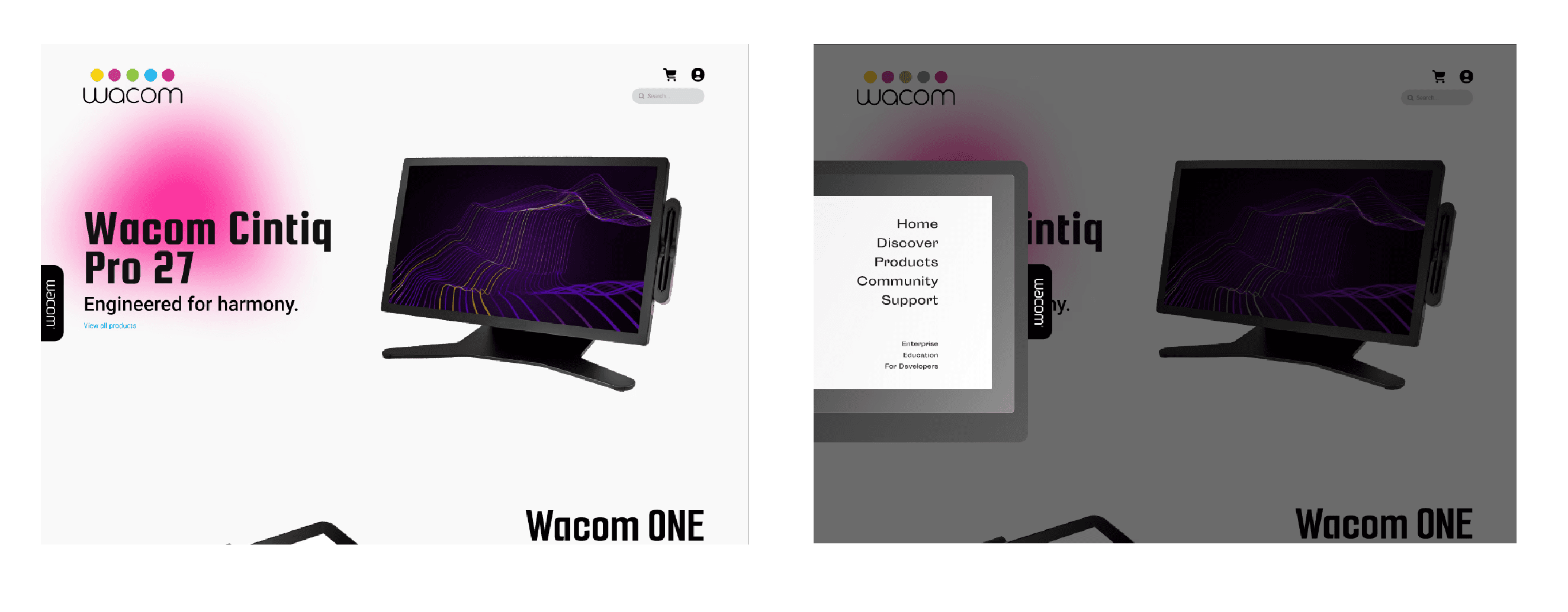
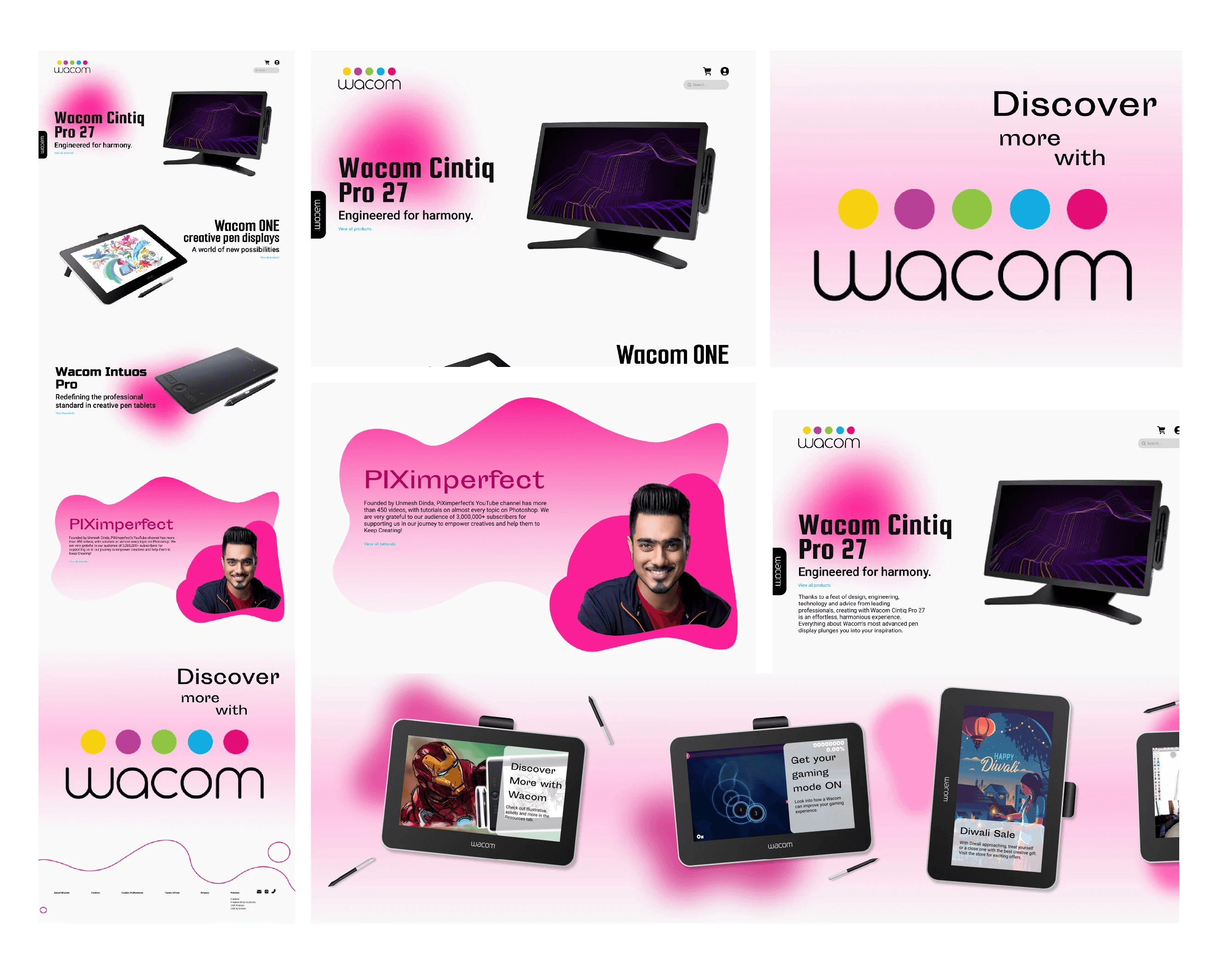
For the homepage I wanted to keep a simple and minimal look for the page. For the interactive element, the cursor on the screen transforms into a wacom pen which leaves a trail of dissaperaing ink as it glides through the screen. At the edge of the screen there will be a small color palette panel through which the user can change the color of the pen’s trail. This feature could not be added to the prototype and is mentioned in the features file.
Header
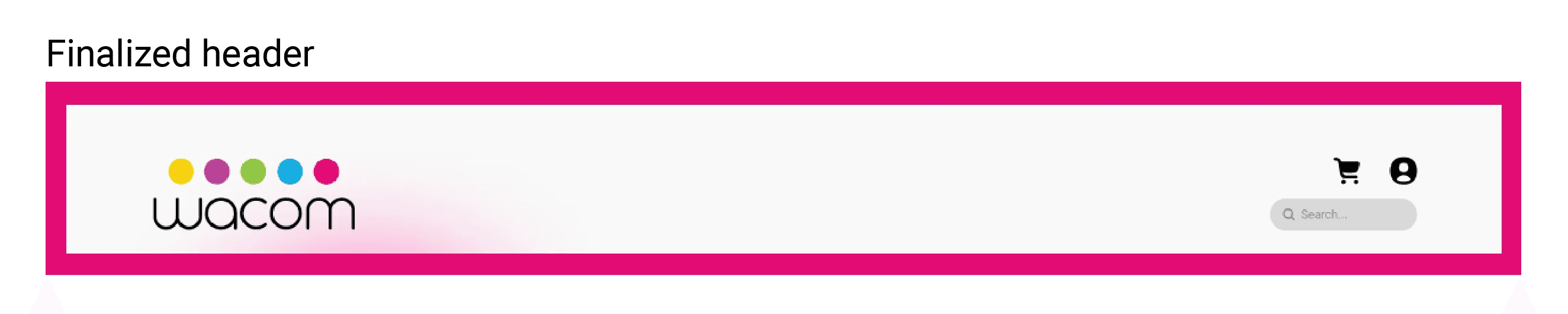
The header went through many changes. Those changes also changed some of the pages accessibility hence it had to be finalzied before all the other pages.
Navigation Bar
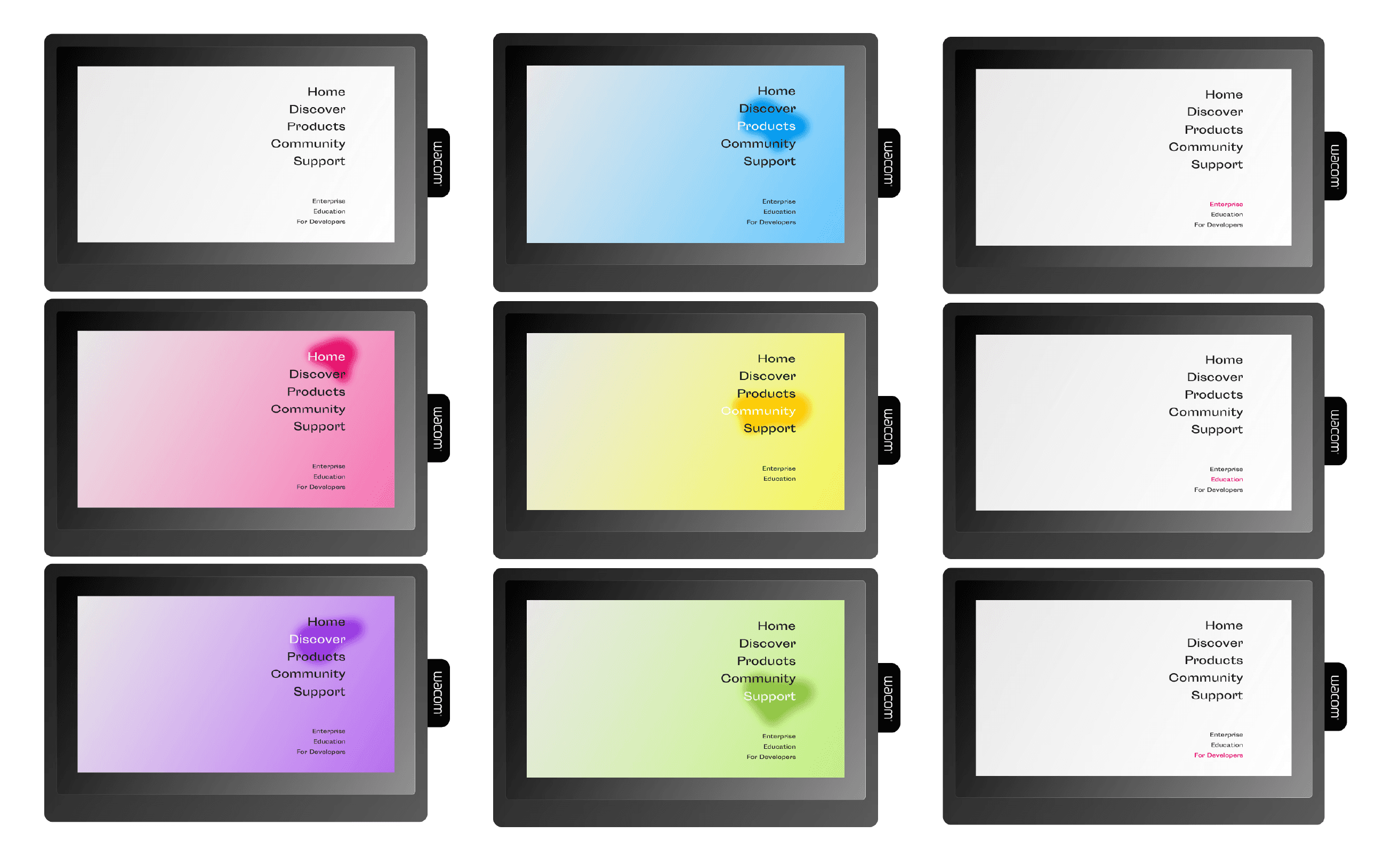
Unlike the different types of conventional navigation bars, our navigation bar is a unique element to the website. The navigation bar is a Wacom tablet which opens up to display the contents once clicked on the tag. The tag is the pen holder of a Wacom pen tablet, which sticks out from the edge of the website. Once clicked, the tablet slides out and occupies some part of the window. The default of the bar is white background but when the user hovers above any of the pages the tablet transitions its colors to the page’s color.